
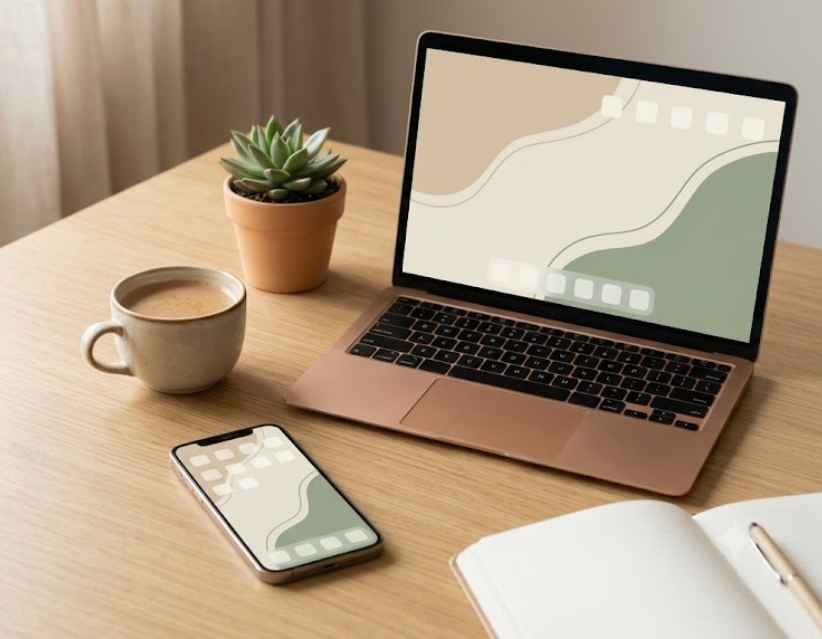
Everygirl tech backgrounds were the reason my friend's laptop looked so calm last Sunday. Mine still had a blurry sunset photo from 2023 stretched across the screen, with icons scattered over it like confetti.
She told me it took one minute and cost nothing. I went home, tried it, and I have not looked at my phone with disappointment since.
If you have ever wanted a tidy, pretty screen without paying a designer, this guide is for you. I will explain what these backgrounds are, where to find them, how to set them on any device, and what to try when you want something more personal.
Let me walk you through it the way I wish someone had walked me.
What Are Everygirl Tech Backgrounds?
The Everygirl is a lifestyle website, and it regularly publishes free wallpapers for screens. Fans simply call them Everygirl tech backgrounds.
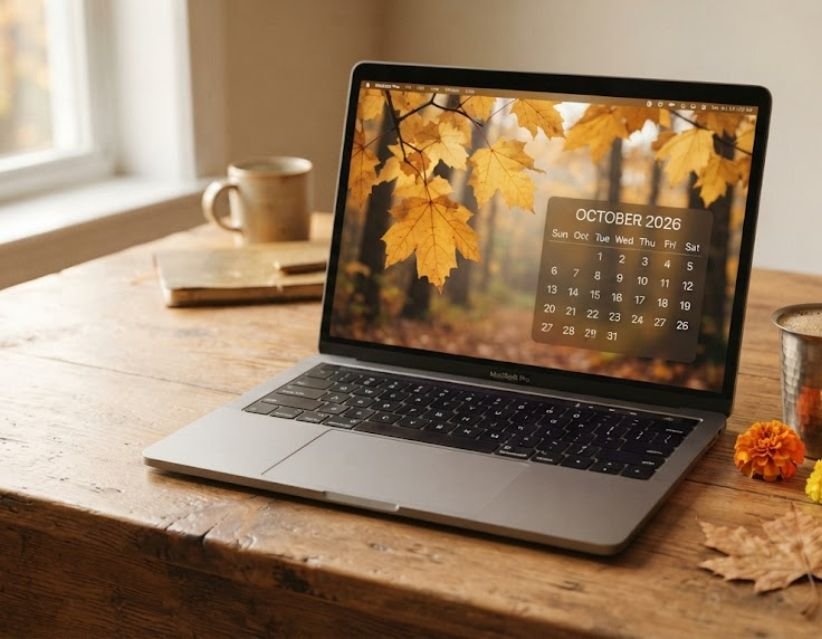
The Everygirl tech backgrounds are free downloadable wallpapers for phones, laptops, desktops, iPads, and tablets, with seasonal, aesthetic, and monthly designs. You can choose a device size, download the image, and set it as your wallpaper. The collection also includes calendar and no-calendar options.
What You Get in Each Download
Most collections include a few versions of the same design:
- A phone wallpaper sized for tall screens
- A desktop wallpaper and laptop wallpaper for wide screens
- An iPad or tablet version
- A calendar wallpaper and a no-calendar wallpaper
Plenty of other sites sell or share similar aesthetic wallpaper sets. The official ones live on The Everygirl's own website, and that is where I always start.
Where Can You Find the Everygirl Tech Backgrounds?
Open the official Everygirl website and search for "tech backgrounds." The newest monthly set usually shows up first.
I bookmarked the page on my phone. A fresh collection arrives every month, and I kept forgetting to check.
Why I Download From the Official Page
Copies uploaded on random sites are often blurry, and the artwork belongs to its creators. Downloading from the source keeps the image sharp and gives credit to the people who made it.
Search Terms That Help You Find Them
Try any of these in Google or Pinterest:
- everygirl tech backgrounds download
- the everygirl tech backgrounds free
- everygirl tech backgrounds 2026
- everygirl wallpapers for phone
Are the Everygirl Tech Backgrounds Free?
Yes. The Everygirl offers its tech backgrounds as a free download for personal use. You do not need to pay or sign up for a subscription. Check the page for the latest terms, but the rule of thumb is simple: use them on your own devices, and do not repost or sell them.
Best Everygirl Tech Backgrounds Styles for Every Mood
Browsing past collections taught me that the designs fall into a few families. If you want more ideas beyond these, my post on aesthetic wallpaper ideas goes deeper.
Minimalist and Neutral
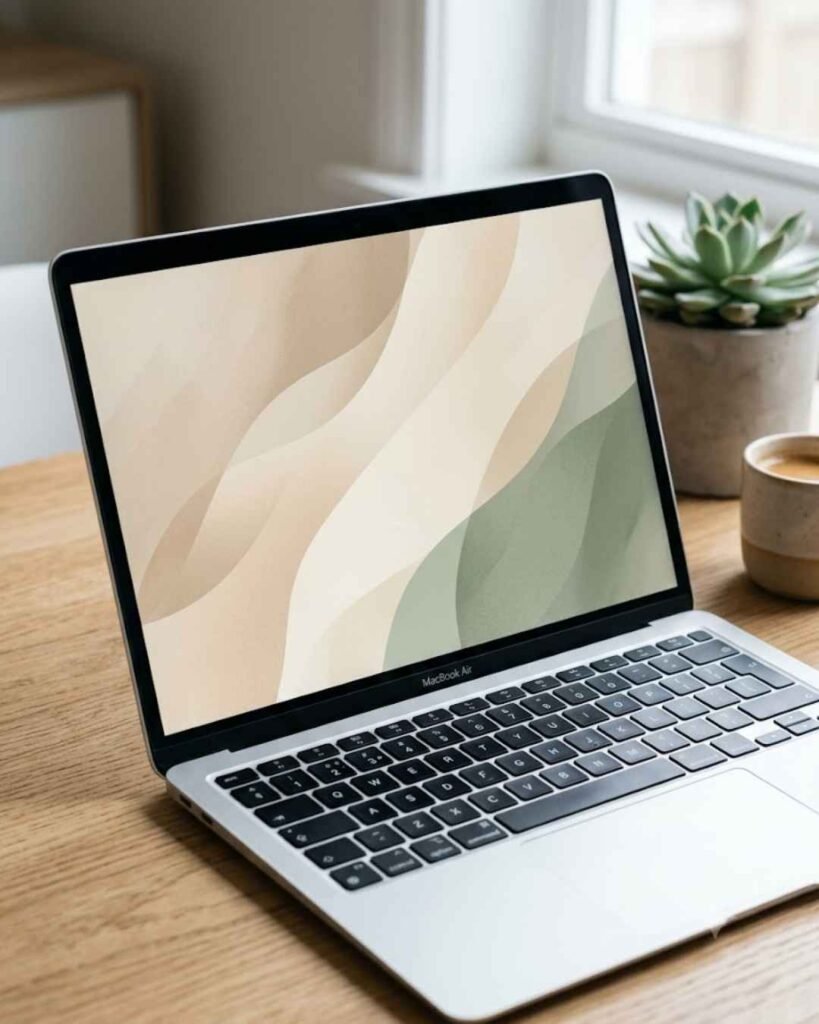
Soft beige, cream, and sage green. These minimalist wallpapers keep your icons easy to read, so they work well on a work laptop. They are my default for weekdays.
Dark Academia and Moody
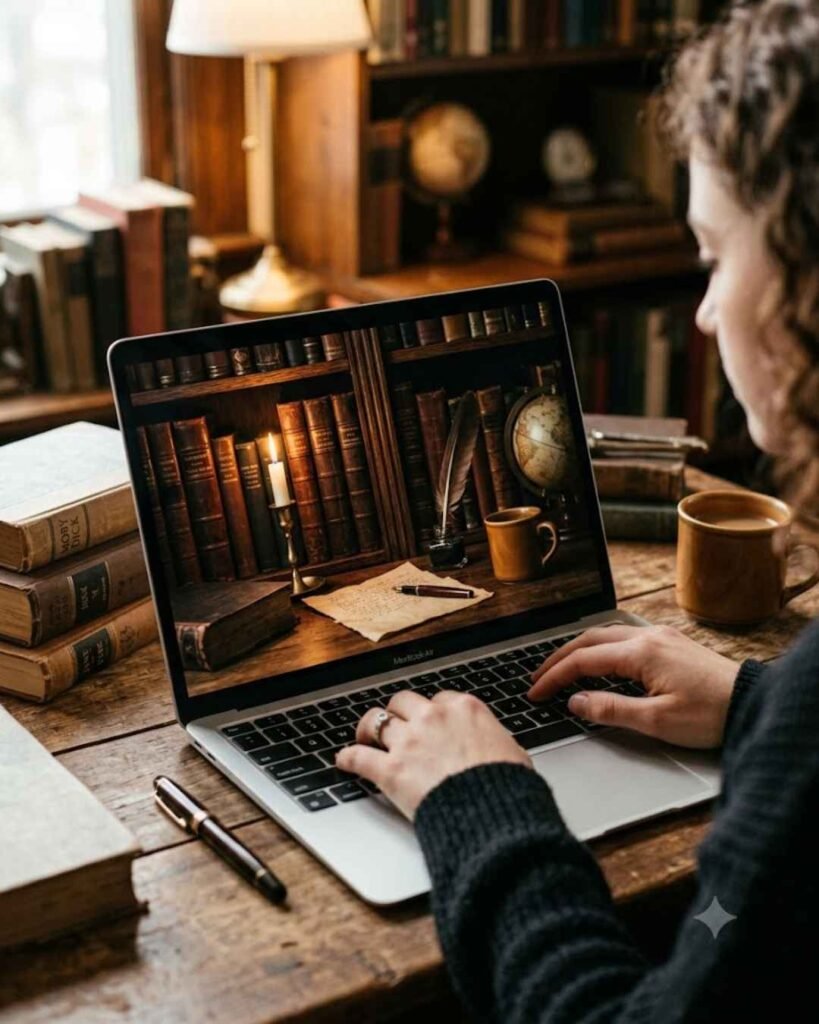
Deep browns, candlelit tones, and old library vibes. A dark academia wallpaper looks wonderful on a phone lock screen, but it can swallow dark app icons. Test it before you commit.
Seasonal and Monthly
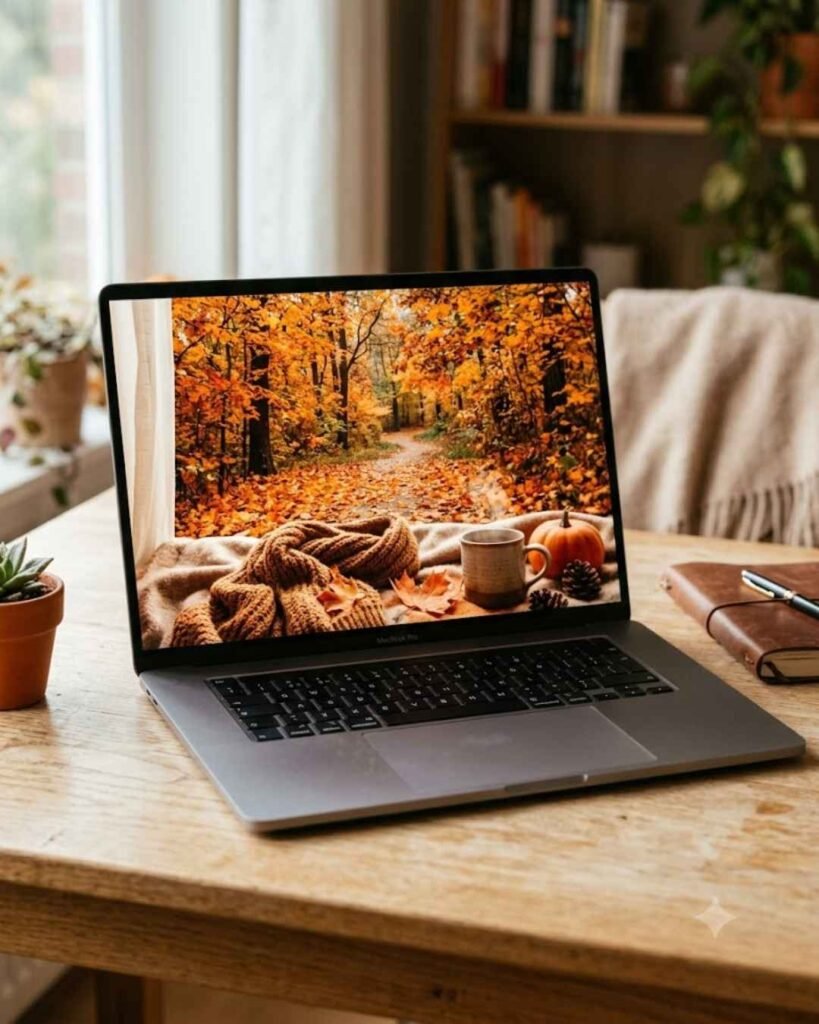
Each month brings a new theme, from cosy autumn to bright spring. If you love changing things up, pair this with my list of October desktop wallpaper ideas. A seasonal wallpaper makes a new month feel like a fresh start.
Motivational and Quote Backgrounds
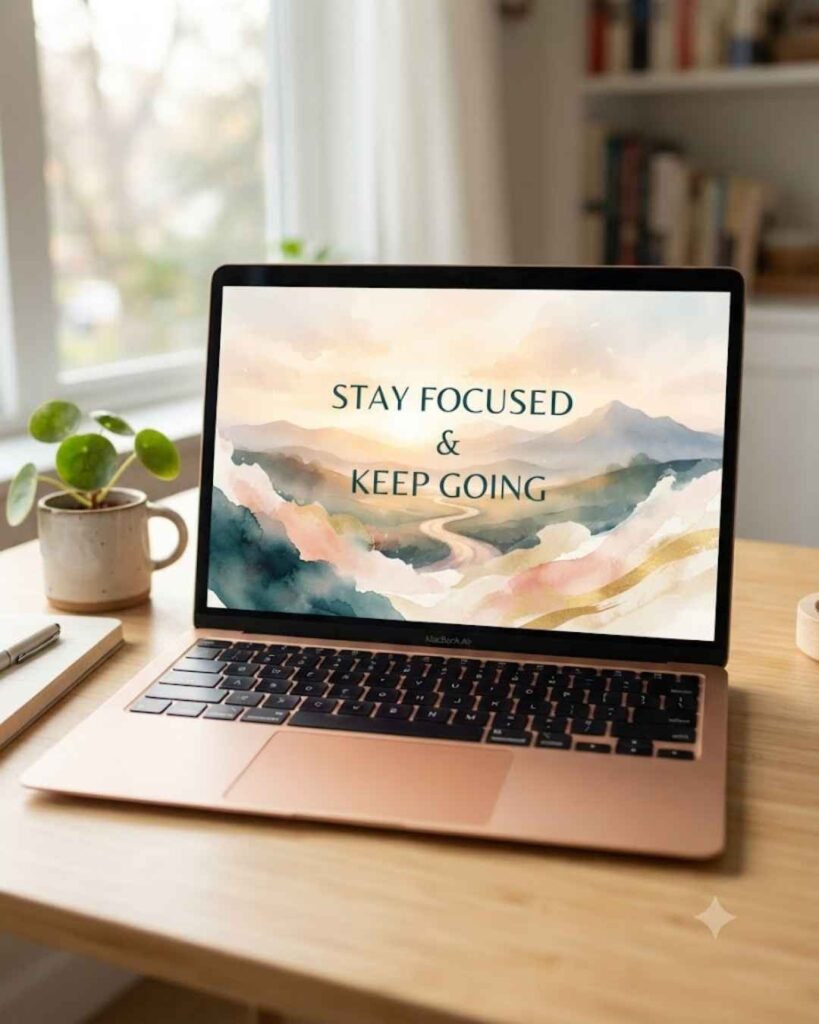
A short line on your lock screen can nudge you without being loud. I keep one about finishing small tasks first. If goals are your thing, read the 7 habits of highly effective people and pick one habit to put on your screen.
Cute, Colourful, and Playful
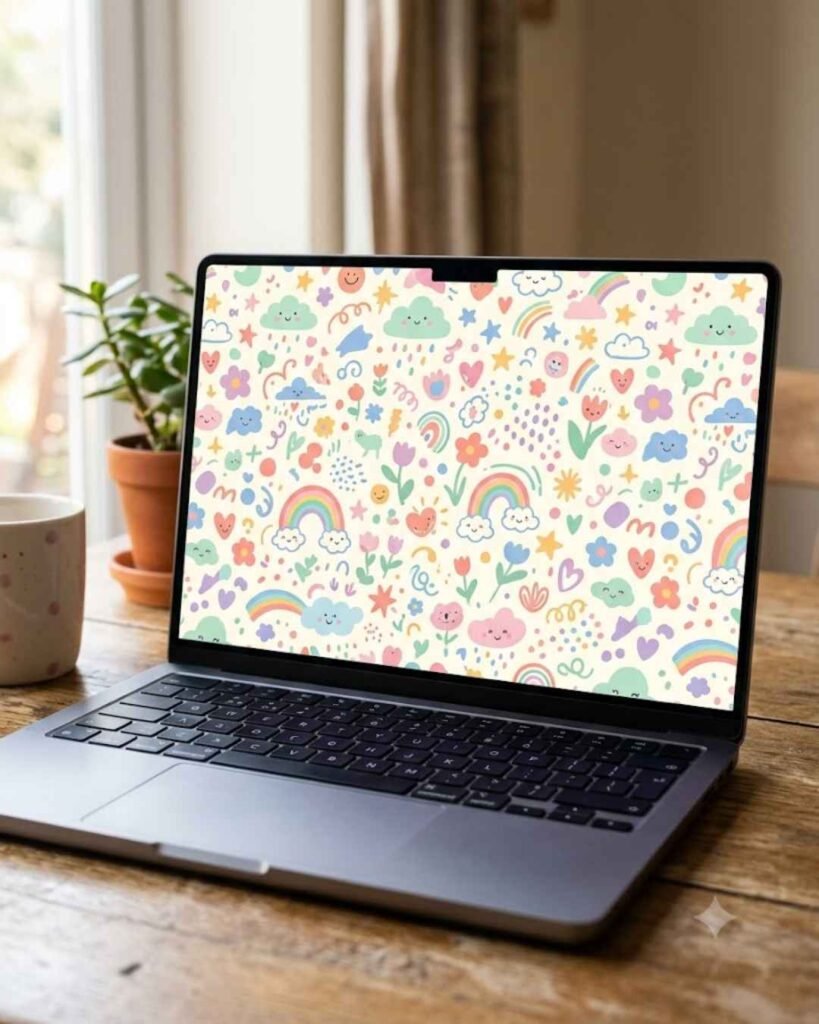
Think pastel doodles, little stars, and cheerful patterns. A cute wallpaper is perfect for a tablet or a second monitor, where you want some fun without distraction.
Everygirl Tech Backgrounds for Every Device
One file does not fit every screen. This is where most people go wrong, and it is where I wasted my first evening.
iPhone
Choose the phone version, save it to Photos, and set it from Settings. An iPhone wallpaper with a clear top section keeps the clock readable.
Android
Android phones vary a lot in screen shape. Pick the phone version, then use the crop tool when you set it.
Check Your Screen Before You Save
Look at your phone's resolution in Settings if you want a perfect fit. A matching aspect ratio means no stretching and no odd black bars.
Windows Laptop
Download the laptop or desktop size, right-click the image, and choose "Set as desktop background." A Windows wallpaper looks best when the busy part of the design sits away from your icons.
MacBook
Open the image, choose Share, then "Set Desktop Picture." On a Mac, the wide laptop version usually fits without cropping.
iPad and Tablet
Tablets are squarer than phones. Use the iPad or tablet file instead of the phone one, or the design will look squeezed.
Desktop and Second Monitor
If you use two screens, set a calm design on the main one and something cheerful on the other. I do this with a desktop background setup at my study table, and it genuinely makes work feel lighter.
How to Download Everygirl Tech Backgrounds Step by Step
This takes about a minute. Here is the exact order I follow.
On Your Phone
- Open the official collection page in your browser.
- Pick a design you love.
- Tap the version labelled for phones.
- Press and hold the image, then choose "Save image" or "Add to Photos."
- Open your settings, select Wallpaper, and choose the new image.
On Your Laptop or Desktop
- Open the collection page on your computer.
- Choose the calendar or no-calendar version.
- Click the desktop or laptop file to open it.
- Right-click and save it to your Pictures folder.
- Set it as your background from your system settings.
My own tip: pick the no-calendar version if you already have a calendar widget. Two calendars on one screen feels crowded.
India-Friendly Alternatives to Everygirl Tech Backgrounds
Everygirl tech backgrounds are lovely, but they are made with a global audience in mind. Sometimes I want a screen that feels closer to home, with warm tones and patterns I grew up around.
Indian users have plenty of good choices. Canva lets you design your own, and Unsplash has free photography. I also wanted original ideas, so here is what I keep in my own collection.
Mindful Hive Original Wallpaper Ideas
These are Mindful Hive originals. They are not The Everygirl's artwork, and I want that to be very clear.
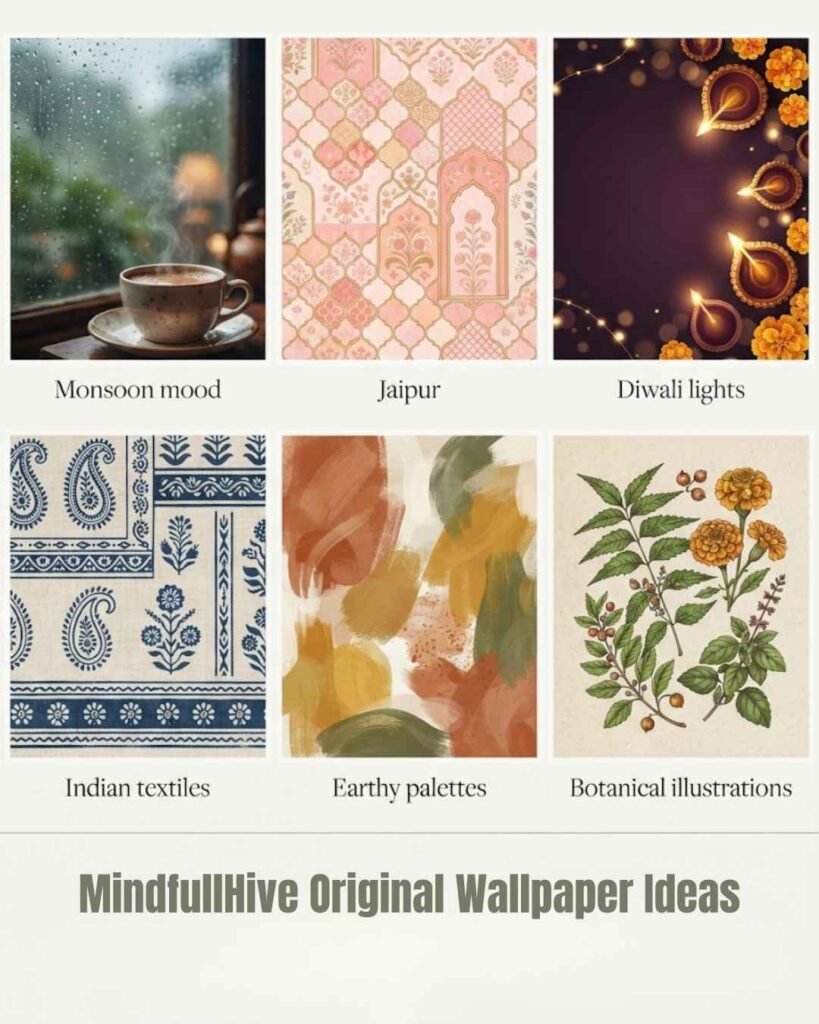
- Monsoon mood: grey-green skies, rain on a window, a cup of masala chai
- Jaipur-inspired patterns: soft pink, jali shapes, and haveli arches
- Diwali lights: warm gold diyas against a deep plum background
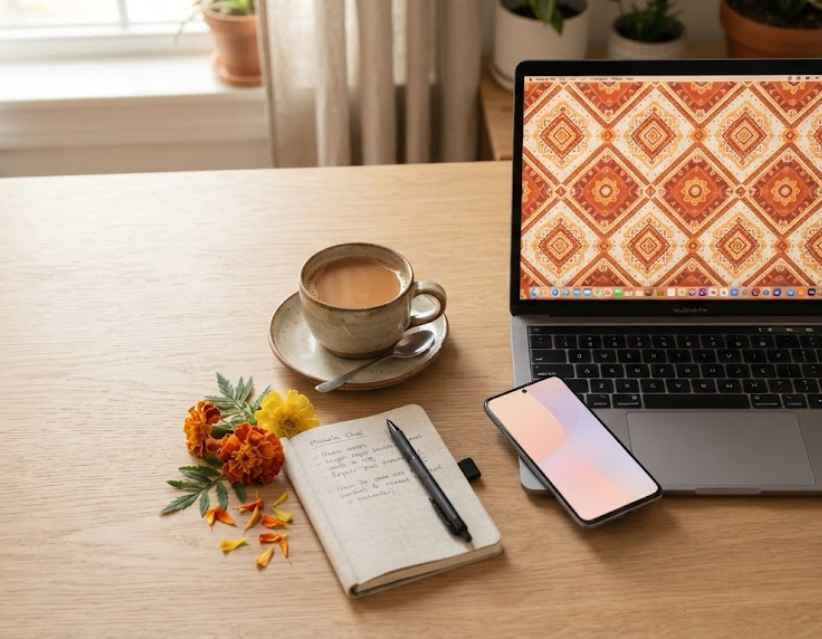
- Indian textiles: minimal block prints in indigo and cream
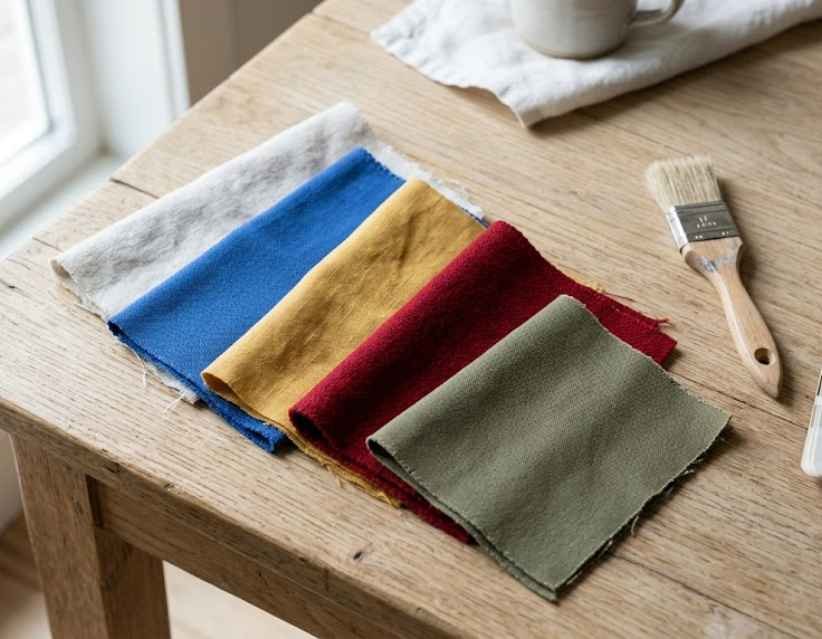
- Earthy palettes: terracotta, mustard, and olive
- Botanical illustrations: neem, marigold, and tulsi leaves
Colour Guide
Earthy palettes pair nicely with this year's colour trends. I wrote about them in my Pantone Color of the Year 2027 post.
Pattern Placement
Keep detailed patterns toward the edges. Your icons need breathing room.
Final Check
Squint at your screen from arm's length. If you can still find your apps, the design works.
Drawing is another way to personalise your screen. If you enjoy it, my notes on stress management drawing may inspire a doodle you can use as your own phone background.
How to Choose the Right Aesthetic Wallpaper
A pretty image is not enough. It also has to work on your actual screen. I now check five things before I save anything:
- Screen ratio: match the file to your device.
- Icon visibility: make sure your apps stay readable.
- Readability: the clock and widgets must be clear.
- Brightness: softer tones are kinder to your eyes in the evening.
- Style and season: choose what fits your mood this month.
If you like setting intentions, a wallpaper can support them too. I shared a few ideas in my post on how to manifest something.
Quick Poll: Which Style Fits You?
Tell me in the comments which one you pick, and I will reply to every one:
- A) Minimalist neutral
- B) Dark academia
- C) Seasonal and monthly
- D) Cute and colourful
- E) Indian-inspired patterns
FAQs About Everygirl Tech Backgrounds
1. Are the Everygirl tech backgrounds free?
Yes. The Everygirl describes its tech backgrounds as free to download, with options for phones, desktops, laptops, and tablets.
2. How do I download Everygirl tech backgrounds?
Choose a design, pick the version that matches your device, open the image, and save it. The Everygirl provides separate device formats on its wallpaper pages.
3. Can I use Everygirl wallpapers on Android?
Yes, wherever a phone version is provided. Choose the right image size for your Android display instead of cropping a desktop file.
4. Do Everygirl backgrounds have calendars?
Many monthly collections include calendar versions. Aesthetic and special collections often offer no-calendar designs as well.
5. Where can I find alternatives to Everygirl tech backgrounds?
Look at original collections on Mindful Hive, Canva, and Unsplash. Canva, for example, offers a wide range of aesthetic desktop and phone wallpapers.
2 Quick Tips Before You Go
Tip 1: Match the wallpaper to your screen's aspect ratio to avoid awkward cropping.
Tip 2: Keep busy artwork away from the places where your icons and widgets sit.
Final Thoughts on Everygirl Tech Backgrounds
A good screen makes the small moments of the day feel nicer. Everygirl tech backgrounds are an easy, free way to get there, and the monthly refresh keeps things interesting.
Start with the official page, choose the file that fits your device, and save a few Indian-inspired designs for the days you want something warmer. For more everyday ideas, visit Mindful Hive and have a look around.
Which design did you pick first? Tell me below.